after many month and some delays we are happy to finally provide you with the fourth major SeisComP release version 7.
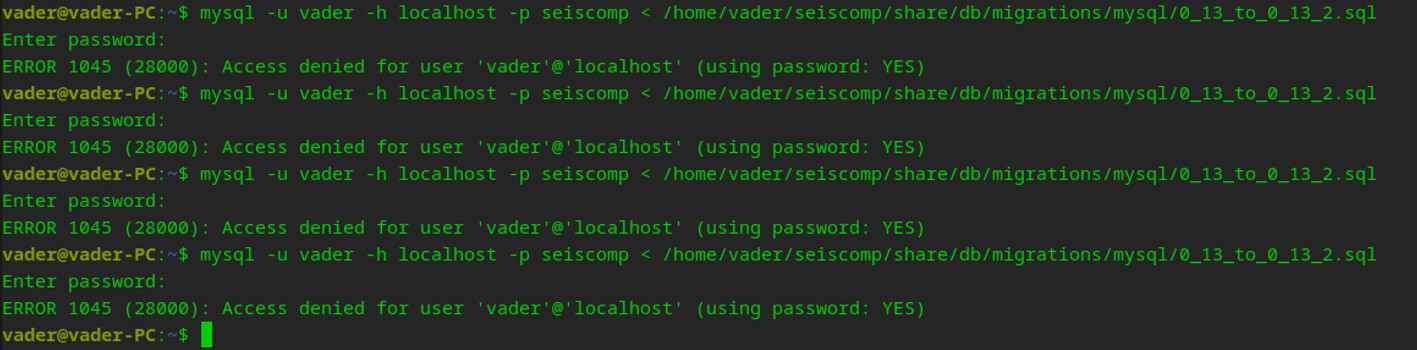
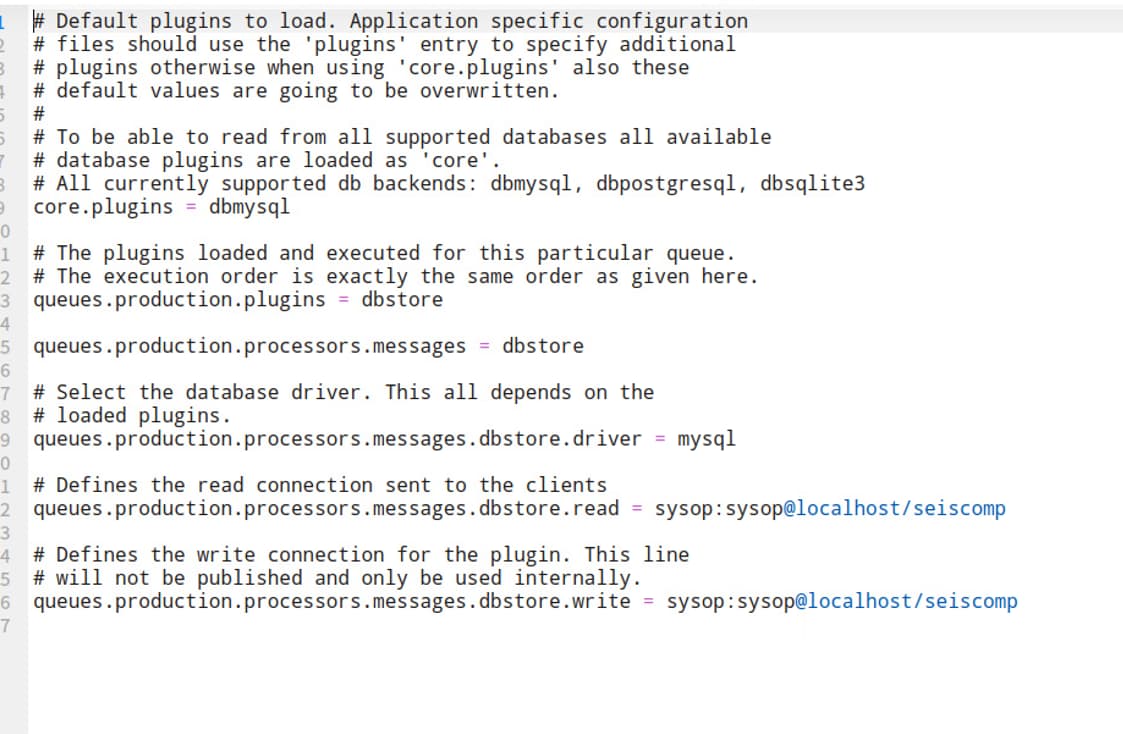
This release will upgrade your database schema to 0.14. The reason for that is that we have introduced the new catalog table which is not yet used but already part of the data model for future enhancements. We are supporting Qt6 for the graphical user interfaces and also the ARM64 architecture. I have fully switched my working desktop computer to an ARM box in order to test and to work with all of our software with that architecture. So far it has been a great experience with loads of cores to compile on We furthermore build all packages nightly the same way as the x86_64 packages on ARM64. This should make at least some of the Mac Mx users happy.
And finally, we provide a quick introduction video for the SeisComP installation. I have had such a video in mind for many years, actually since we switched to scconfig and a much easier and performant configuration than before. It took a long time to make it finally possible. And it is something else, something without writing code lines, something new. It was a lot of fun working with André on that, our new colleague at gempa.
This is a first shot and an experiment which might lead to a small series of videos for various topics. We just need to find our style along the way. If you like it or if you don’t, let us know. We are interested in your feedback and how we can improve in that regard.
And don’t worry, we are not about to move to YouTube or other social media channels and just present fancy and shiny media and forget about software and customer support. That is and will be our highest priority.
Outstanding work. I have been using SeisComP since Erice (the era before we even had Git!), and seeing the evolution to this point is wonderful. This release is easily the best version yet.
Yes, of course you can. Just stop seiscomp, rename the legacy seiscomp directory, e.g. to seiscomp-7-0-0 and install the latest version again in seiscomp. You may refer to the installations using the seiscomp script like
Quick question regarding the newly added support for miniSEED version 3. I’m trying to understand the practical implications of this change. My assumption is that most SeisComP modules are now able to read miniSEED v3, while they still write miniSEED v2 (for example, slarchive, scart, fdsnws dataselect, etc.). Is this understanding correct?
By the way, great release. Thanks a lot for the huge efforts.
Your understanding is correct. No module will convert data, we just added code to be able to read miniSEED v3. slarchive is still writing v2 as it is connecting to seedlink (v3) which in turn is limited to miniSEED v2 with a fixed record size. The fdsnws can return miniSEED v3 if it is retrieved by the data source it is using but SeisComP does not populate miniSEED v3 yet.
There is work ongoing with seedlink v4 which will support miniSEED v3 but that is not yet final I think. Once it is, of course slarchive needs to be adopted to also populate miniSEED v3 in the SDS archive. What the status is with all those workflows is currently not known to me as I do not take part in any related discussions.


 We furthermore build all packages nightly the same way as the x86_64 packages on ARM64. This should make at least some of the Mac Mx users happy.